How to Start Selling on SellBano
Build your shop and upload your first product in less than 10 minutes
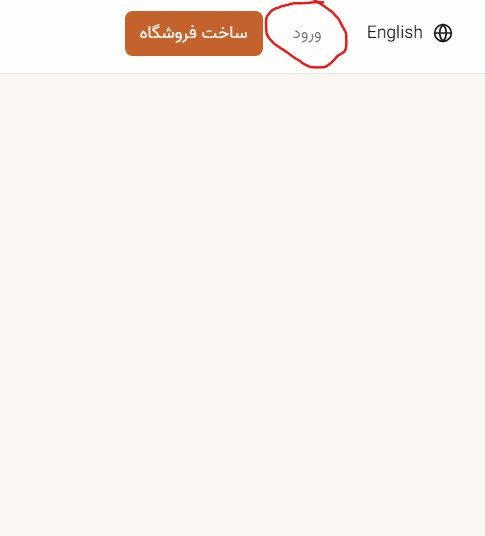
Go to Login
Visit SellBano and click the Login button.
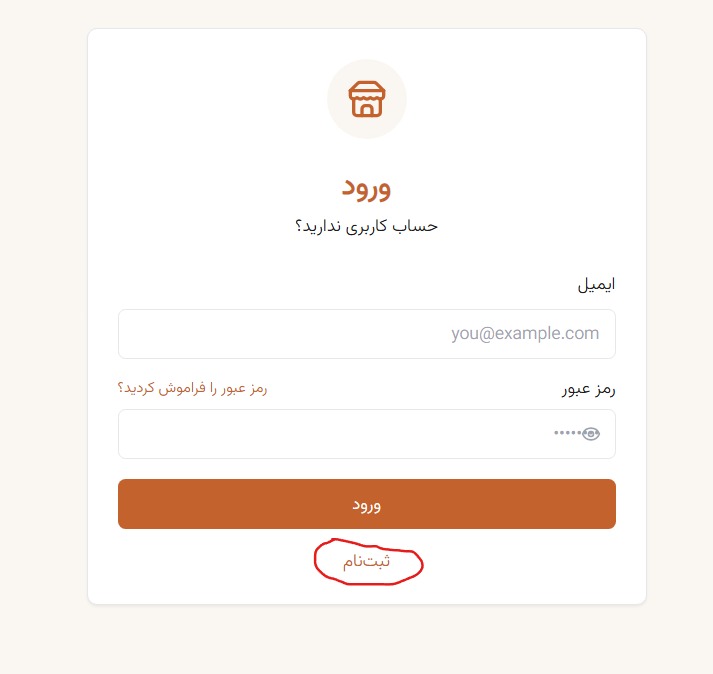
Sign Up
If you don't have an account, click Sign Up.
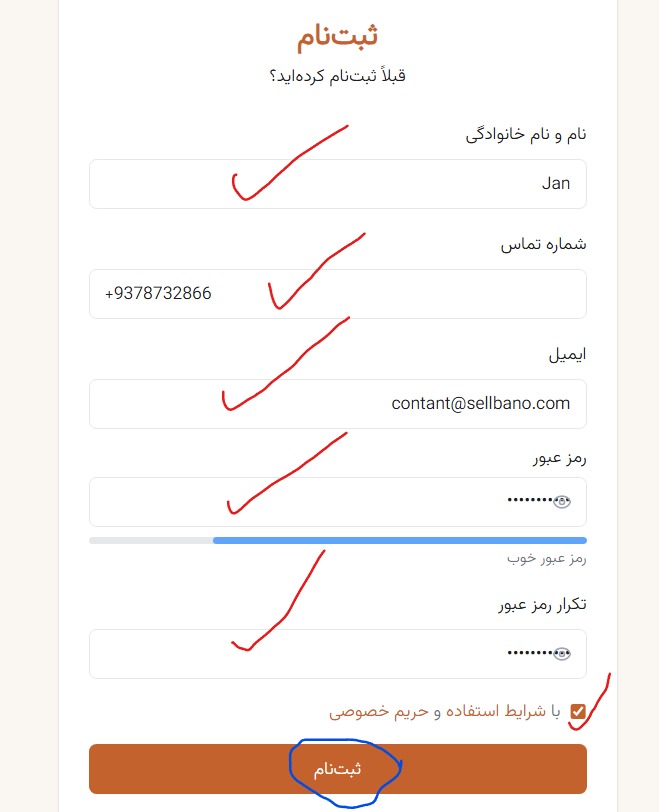
Fill Registration Form
Enter your full name, phone, email and password, then click Register.
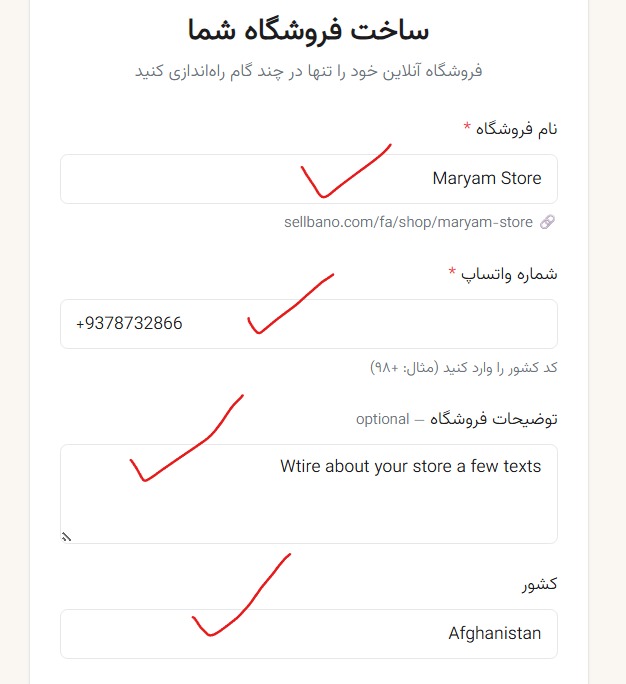
Create Your Store
Enter your store name, WhatsApp number, description and country.
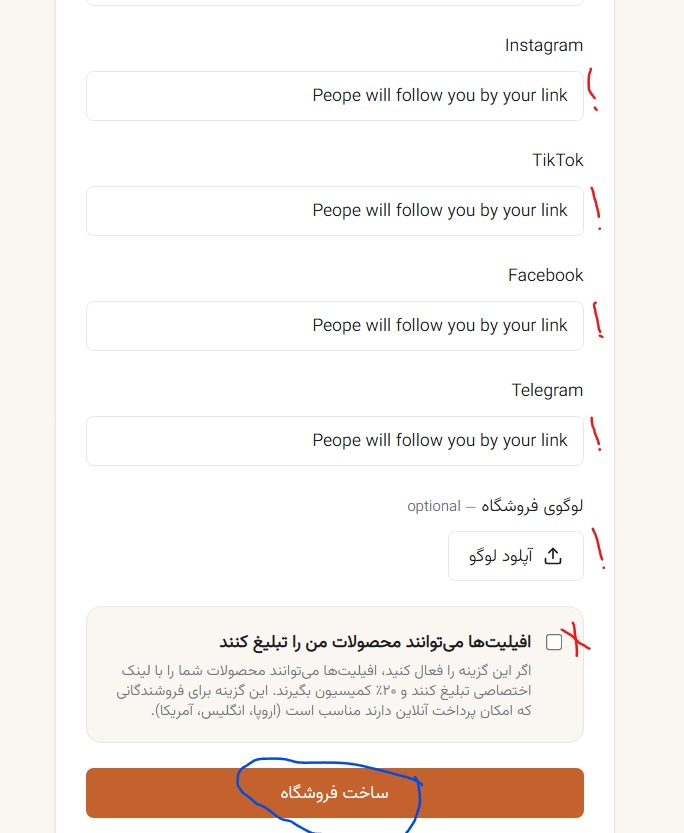
Social Media Links & Logo
Add your Instagram, TikTok and WhatsApp links (recommended). Upload your shop logo, then click Create Store.
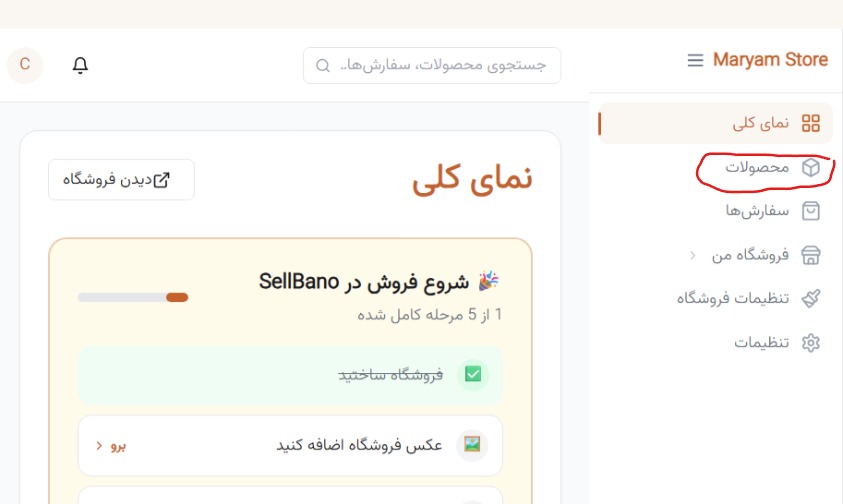
Go to Products
From the dashboard menu, click on Products.
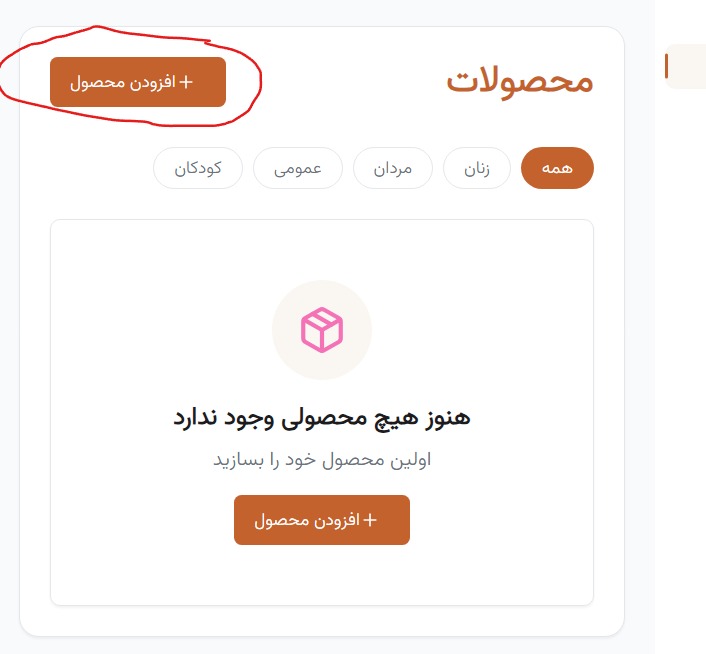
Upload New Product
Click the Upload Product button to add a new product.
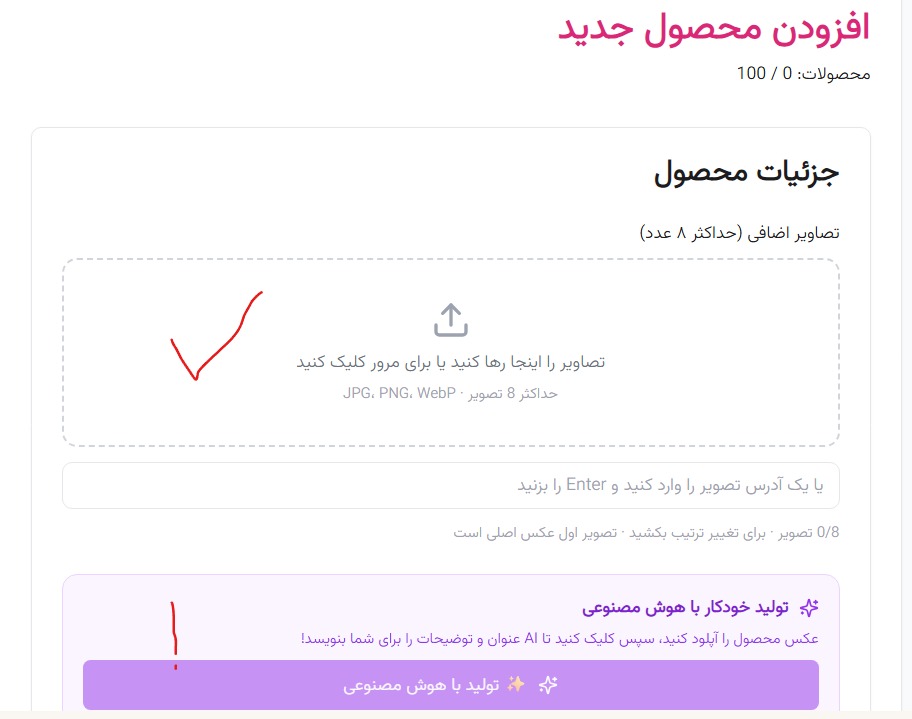
Upload Photo & AI Title
Upload your product photo. If needed, you can generate the title and description using AI (recommended).
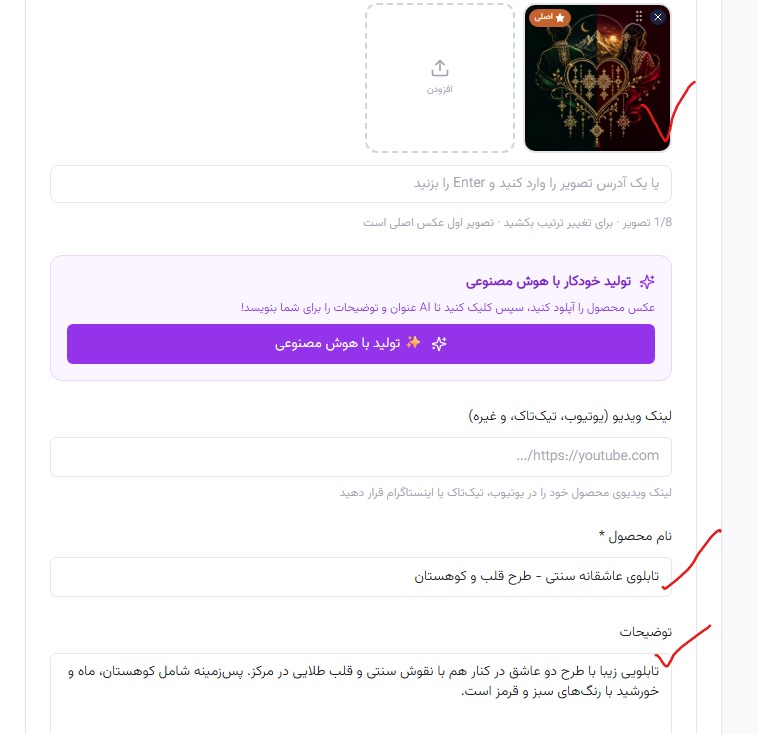
Edit Title & Description
Write or edit the product title and description.
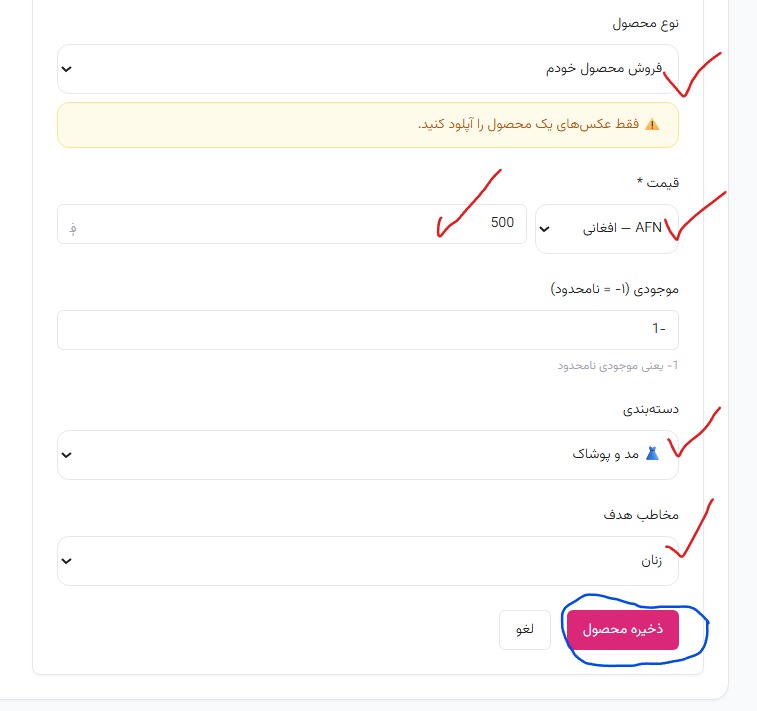
Product Settings
Choose product type, set price, category and target audience, then click Save Product.
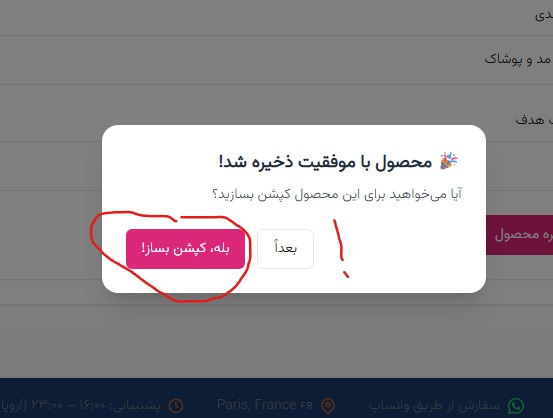
Generate Caption (Recommended)
After saving, you can generate a social media caption. If not needed, click Later.
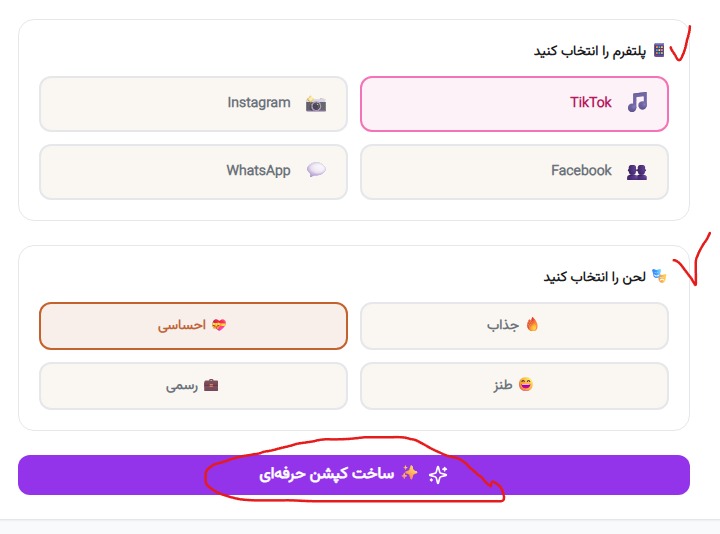
Choose Platform & Tone
Choose your platform (TikTok, Instagram, Facebook, WhatsApp) and caption tone, then generate your caption.
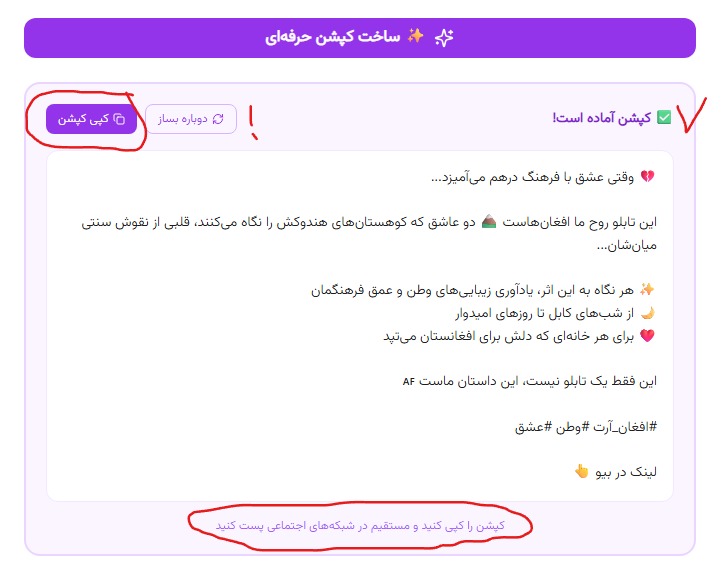
Copy & Share Caption
Copy the generated caption and paste it on your social media accounts.
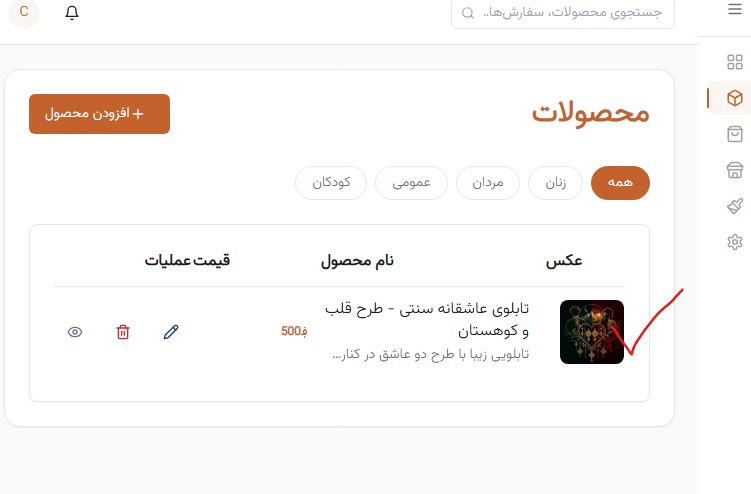
See Product in Dashboard
Your product now appears in your dashboard. You can edit or manage it.
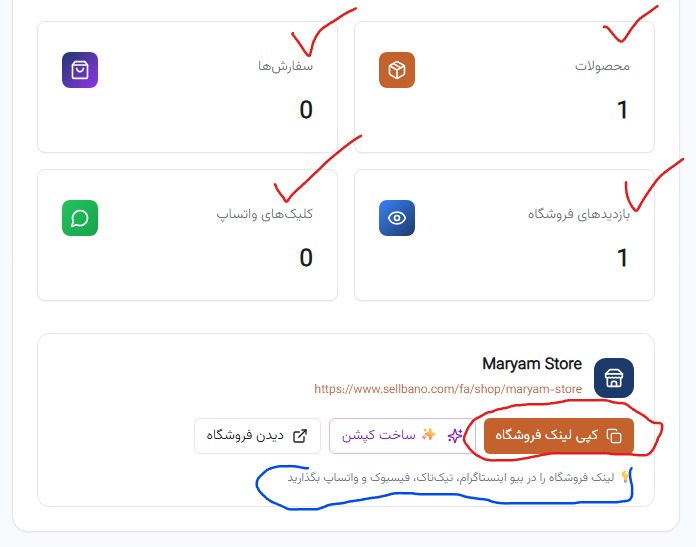
Copy Shop Link
Copy your shop link and place it in your Instagram bio, TikTok, WhatsApp and other social accounts.
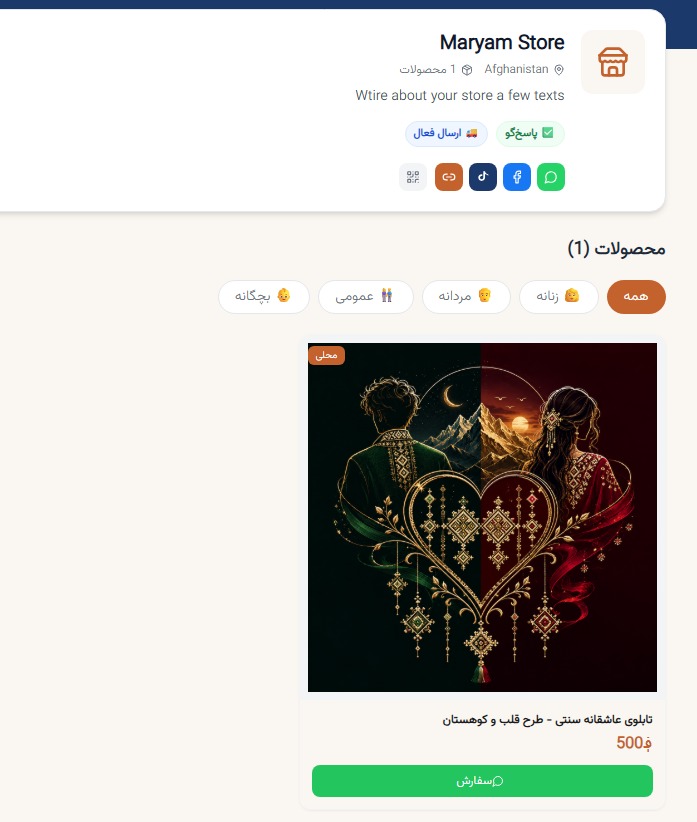
View Your Shop
Your shop is ready! Customers can now see your products and place orders.